


How to Watch Live Cricket in Bangladesh: Step-by-Step Guide
This guide shows how to find cricket live streaming in Bangladesh on this site. The process is straightforward: check the fixture, look for a play button and use Live Score when video is unavailable.
Before opening anything, compare the team names, competition and scheduled start time. Cricket schedules can change because of weather, venue conditions or tournament decisions, and several matches may be listed on the same day. The current fixture status is therefore more useful than an old timetable or social media post.
A match can be marked as upcoming, live, delayed or completed. A play button is shown only when a video option is currently available through the page. If the button is missing, repeatedly refreshing will not create a stream; return near the toss or first ball, follow the score or check the tournament’s authorized broadcaster instead.
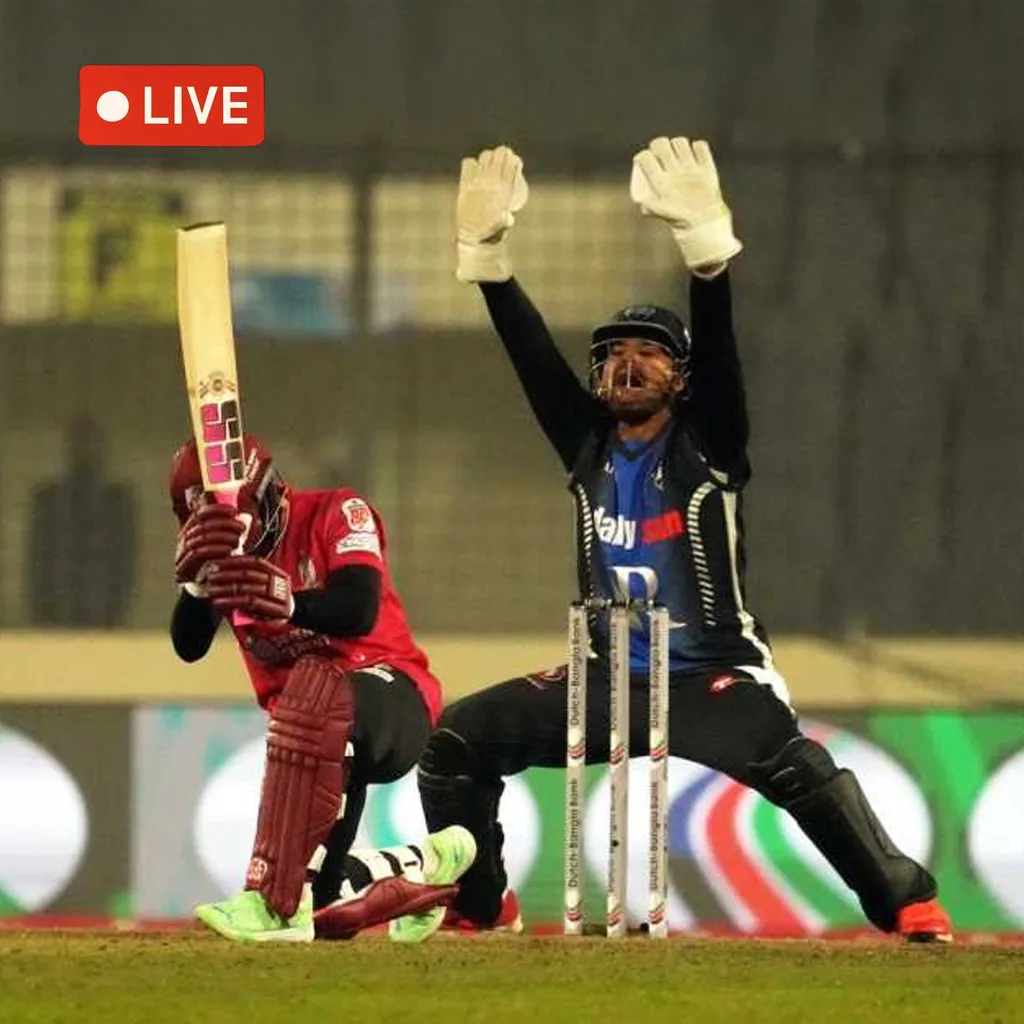
1. Find the Correct Bangladesh Cricket Match

Open the Bangladesh homepage and scan the fixture list for the two teams you want to follow. Read the tournament name as well, because clubs or national teams can appear in more than one competition during the same period. The scheduled time and current status help confirm that you have selected the correct fixture.
If the match is marked as upcoming, return shortly before the listed start. A delayed fixture may begin later because of weather or another match-day decision. When the status changes to live, check whether a play button has appeared beside it.
Do not rely only on a banner, old article or chat message to identify the game. The fixture list is the most direct guide to the match options currently available on this website.
2. Open the Stream When a Play Button Appears
Select the play button beside the correct fixture and allow the available player a few seconds to load. Once playback begins, use the controls provided by that player. These may include volume, pause, full screen and video-quality settings. Check both the player volume and the device volume if the picture is visible but there is no sound.
A fixture without a play button does not currently have video on this page. The feed may not have started, may have ended or may be unavailable for the competition or your region. Wait until closer to the scheduled start and check the listing again rather than repeatedly clicking an empty area.
When a quality selector is available, start with a moderate setting. Higher resolution can use more bandwidth, while a lower setting may play more smoothly on slower Wi-Fi or mobile data.
3. Watch on Mobile, Tablet or Computer
Use a current version of Chrome, Safari, Firefox or Edge and connect through stable Wi-Fi or mobile data. On a phone, rotating the screen to landscape mode usually provides a larger picture and makes player controls easier to reach. Full-screen mode may be available after the video begins.
If playback buffers, close other video tabs, pause downloads and move to a stronger connection if possible. Select a lower video quality when the player provides that option. Watching an entire cricket match can use a considerable amount of data, especially at a high resolution.
Visitors with a limited mobile allowance can use the Bangladesh Live Score page instead. It normally requires less data than video and can still show available runs, wickets, overs and match status.

If the Cricket Player Does Not Load

First, confirm that the fixture has started and that the play button is still visible. A blank area before the scheduled first ball is different from a player failing during a live match. Wait briefly, then refresh the page once if the player does not appear.
Check that the browser is updated and that the internet connection is working on another page. Close other streams and downloads, then try switching between Wi-Fi and mobile data when one connection is unstable. Browser privacy or content-blocking settings can sometimes prevent third-party media from loading; review the blocked-content notice for the page rather than turning off all browser protection.
If other match players work but one fixture remains blank, the issue may belong to that specific feed or its regional availability. When the play button disappears, the stream may have ended or been withdrawn. Use Live Score or the competition’s authorized broadcaster instead of repeatedly refreshing.
Follow the Bangladesh Live Score Instead
Open the Bangladesh Live Score page when a match has no video option, when the connection is too slow for streaming or when you want to conserve mobile data. Confirm the teams and tournament before following the figures so that you do not read updates from another fixture taking place at the same time.
Score information may show runs, wickets, overs and the current match status when data is available. Updates can arrive separately from video, so a score may be visible even when a stream is not listed. If a recent ball or wicket has not appeared, wait briefly and refresh once.
The score page is a fallback, not a guarantee that data will be supplied for every competition. When both video and score information are unavailable, consult the relevant tournament’s official source for the latest match update.
