How to Watch Sri Lanka Cricket Live: Complete Guide
This tutorial shows how to find and use the Sri Lanka cricket viewing options currently available on the website. Begin with the fixture list, confirm the teams and match status, then select a play button when one appears. If the page does not list video, the Sri Lanka Live Score area may still provide match progress.
You can follow the steps on a smartphone, tablet, laptop or desktop computer using a current browser. Streaming arrangements can differ between tournaments and regions, so the guide explains both how to open a player and how to recognize when a fixture does not currently have a video option.
Always check the two teams, competition and scheduled start before opening a match. National-team series, ICC events, Asia Cup fixtures and Lanka Premier League matches may appear during different parts of the cricket calendar, and several games can be listed on the same day.
A fixture can be upcoming, live, delayed or completed. The current status is more reliable for today’s viewing than an old article or timetable. A play button is displayed only when video is presently listed for that match. If it does not appear, return near the first ball, follow the available score or consult the tournament’s authorized broadcaster for official regional coverage.
1. Find the Correct Sri Lanka Cricket Fixture
Open the Sri Lanka homepage and locate the teams you want to watch or follow. Read the tournament name and scheduled time carefully, especially when several domestic or international fixtures are taking place. The match status helps confirm whether play has started.
If the fixture is upcoming, return shortly before the scheduled toss or first ball. Weather and venue conditions can delay play, while tournament organizers may change a start time or date. A live status does not automatically guarantee a stream, so look for the separate play button beside the match.
Use the current fixture list as your main reference. Blog articles and chat messages can provide context or discussion, but they should not replace the latest match entry when you are checking what is available now.
2. Open the Sri Lanka Cricket Stream When Listed
Select the play button beside the correct fixture and wait a few seconds for the available player to load. After playback begins, use the controls supplied by the player. These may include sound, pause, full screen and video quality. If there is a picture but no audio, check the volume inside the player and on the device.
A fixture without a play button does not currently offer a Sri Lanka cricket live stream through this page. The video feed may not have begun, may have finished or may not be available for that competition or location. Check again near the scheduled start if the match is upcoming.
When the player allows quality changes, lower resolution can provide steadier playback on a slower connection. It can also reduce mobile-data use compared with a high-definition stream.
3. Watch Sri Lanka Live Cricket on Any Device
Open the page in a current version of Chrome, Safari, Firefox or Edge and use a stable connection. The site supports common mobile and desktop screen sizes. On a smartphone, landscape mode usually provides a wider picture and makes the player controls easier to use.
If video stops repeatedly, close other streaming tabs and pause large downloads. Move to stronger Wi-Fi or try mobile data when one network is unstable. Select a lower video quality when the player provides that setting, and check that the device is not in an extreme data-saving mode that prevents media from loading.
Watching a full match can consume significant data. Following the Sri Lanka cricket live score is often a more suitable option when the connection is slow or the mobile-data allowance is limited.
If the Sri Lanka Cricket Player Does Not Load
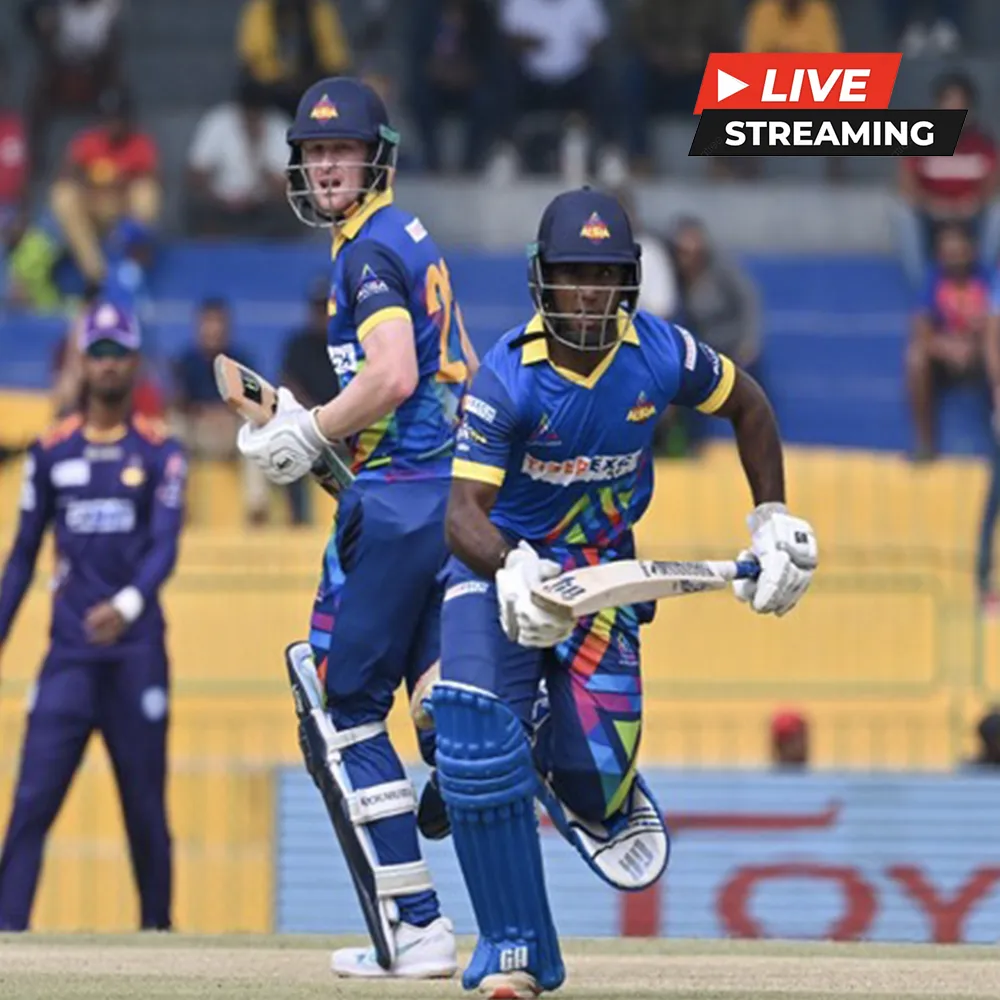
Confirm that the match is under way and that the play button remains beside the fixture. A player may be blank before coverage starts, so check the listed time and status first. If the match is live, wait briefly and refresh the page once.
Make sure the browser is updated and test whether the connection works on another page. Close unused video tabs and downloads, then try a different stable network if available. If the browser displays a blocked-media or privacy notice, review that specific notice instead of disabling all security and privacy settings.
When other players work but one fixture does not, the issue may be limited to that feed or its regional availability. A missing play button means video is not currently listed on this site. Use Live Score or check the competition’s authorized broadcaster rather than refreshing continuously.
Follow Sri Lanka Cricket Live Score Instead
Open the Sri Lanka Live Score page when video is unavailable, when the connection cannot support streaming or when you want to reduce mobile-data use. Confirm the teams and tournament before following the figures so that updates from another match are not mistaken for the fixture you selected.
When score data is available, it may show runs, wickets, overs and the current status. Score information and video feeds update separately, so one service may be present without the other. If the latest ball or wicket appears delayed, wait briefly before refreshing once.
Live Score is an alternative way to follow the action, but the site cannot guarantee data for every match. When both video and score information are missing, consult the tournament’s official match centre or another authorized source.